Conserva Club: Bulk Scheduling Club Clients
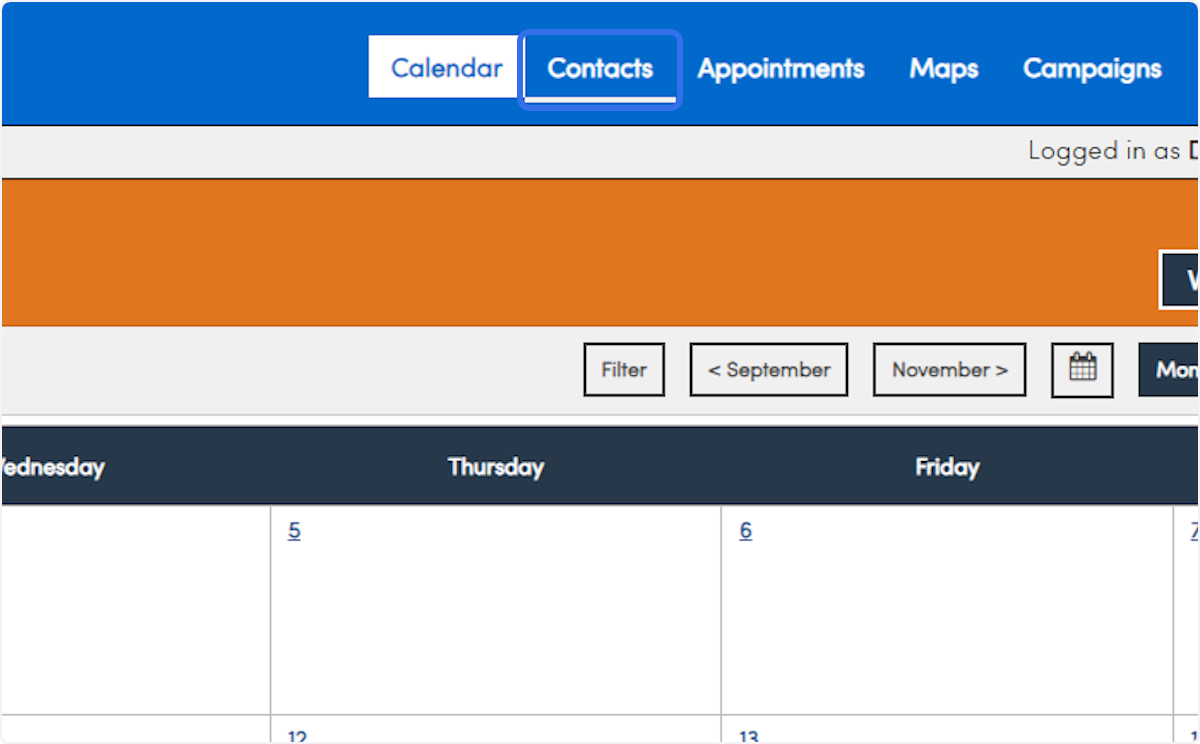
1. Click on Contacts
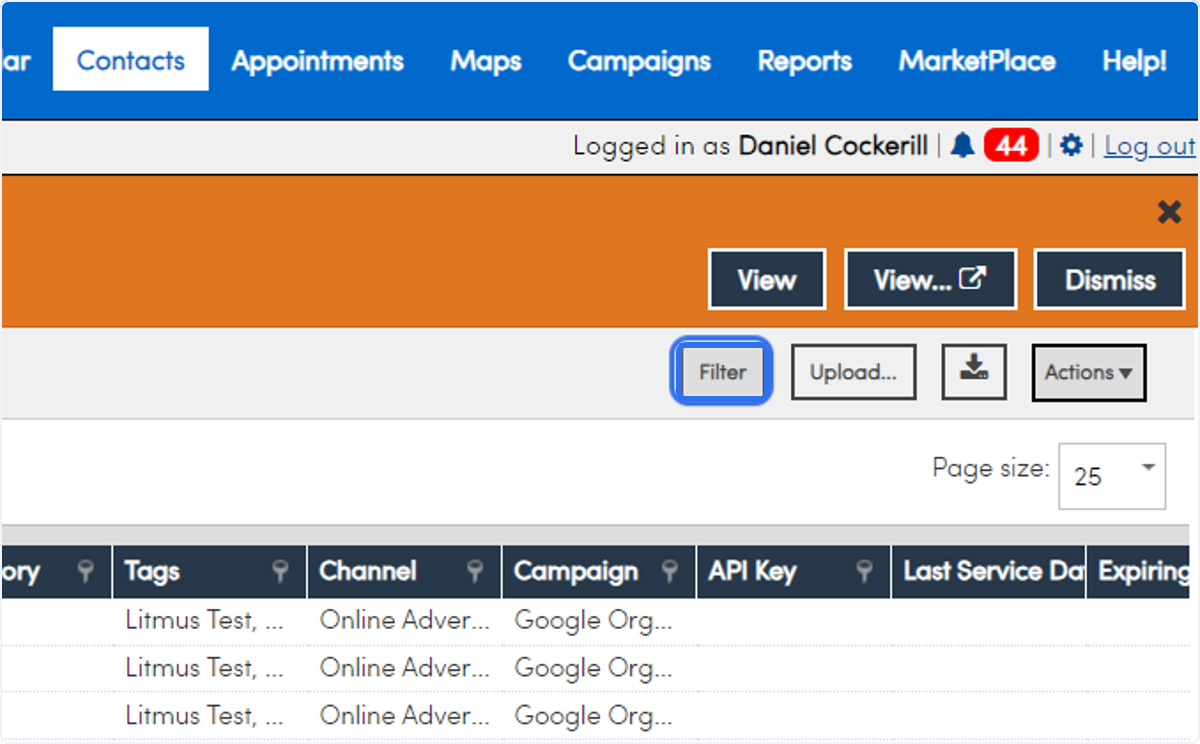
2. Click on Filter
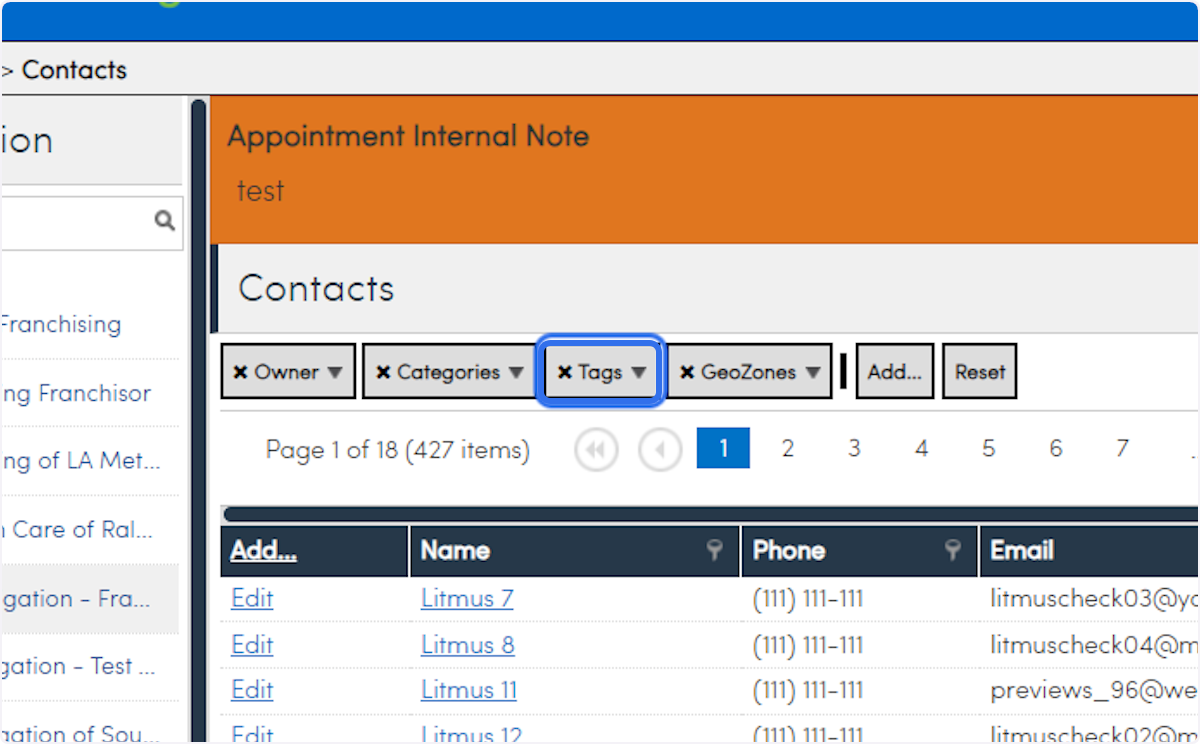
3. Click on Tags
4. Uncheck all
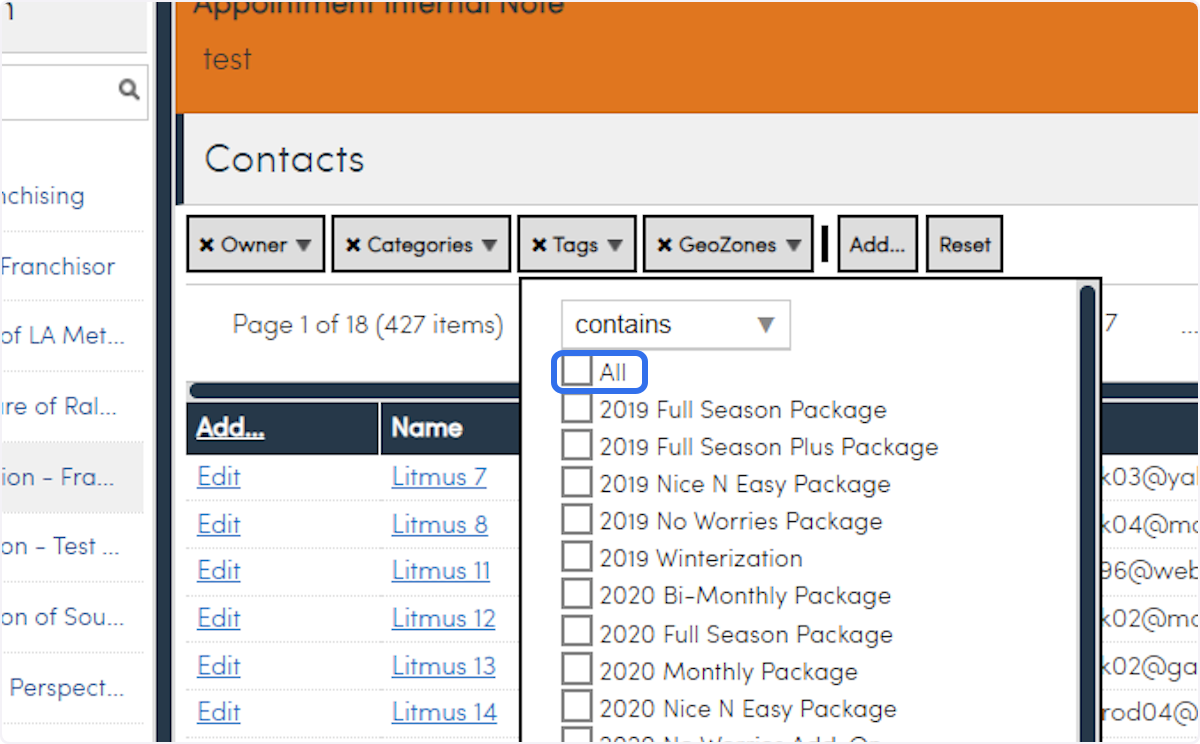
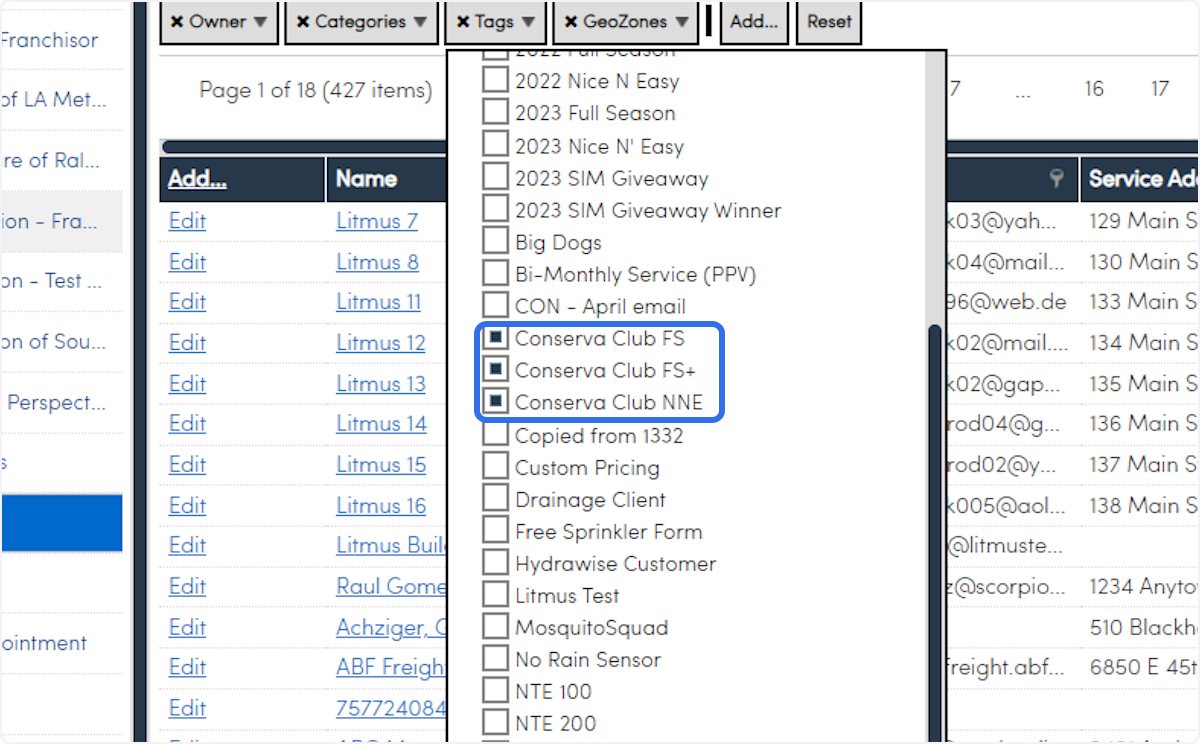
5. Select your Conserva Club Tags
If you are doing this for Mid-Season Inspections, do not select the Nice N Easy Tag.
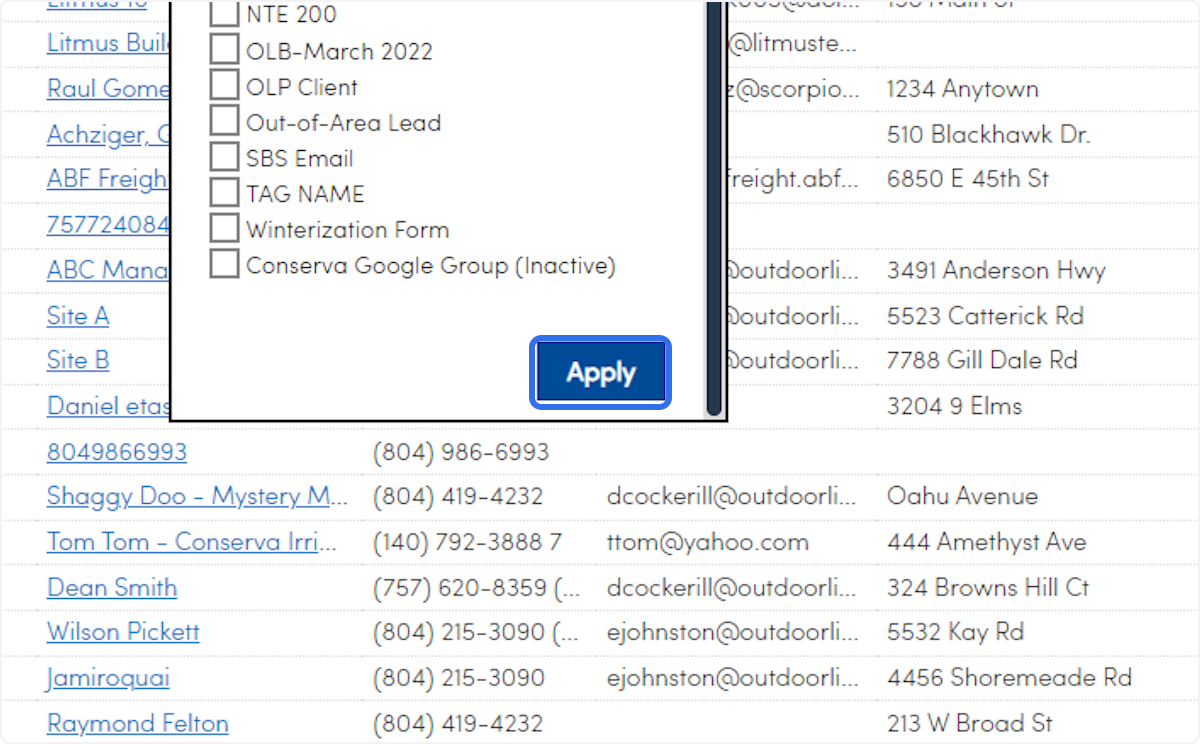
6. Click on Apply
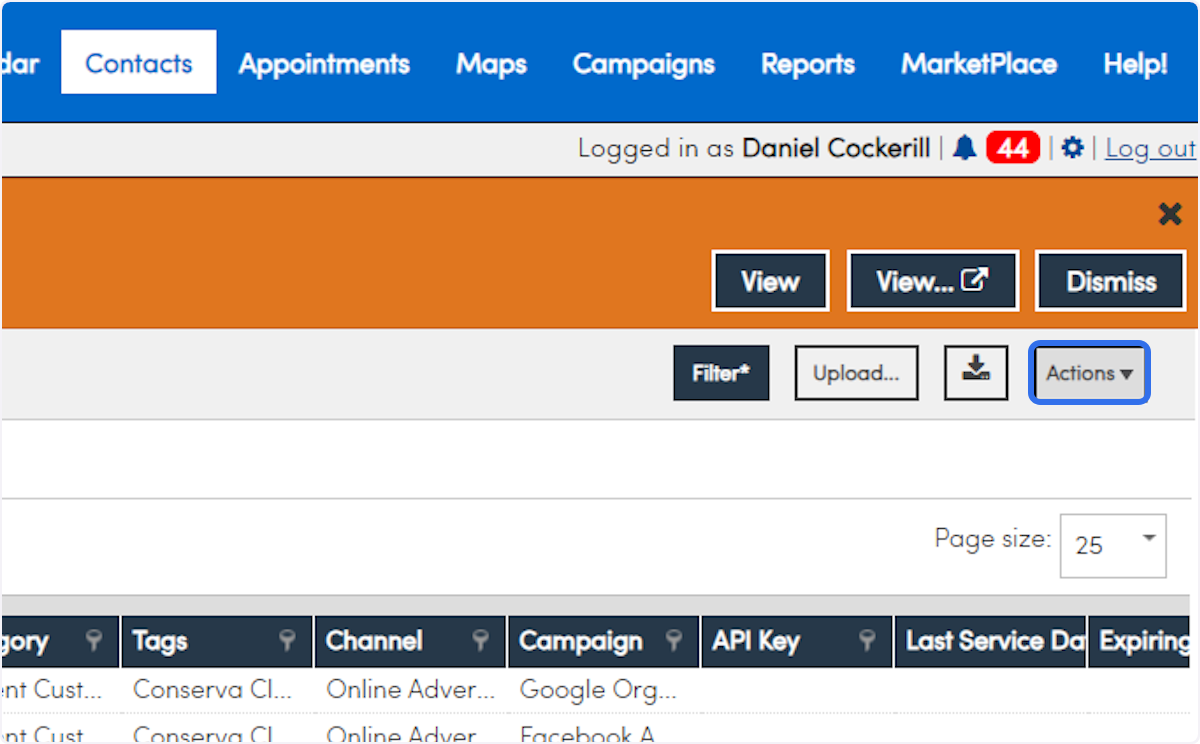
7. Click on Actions
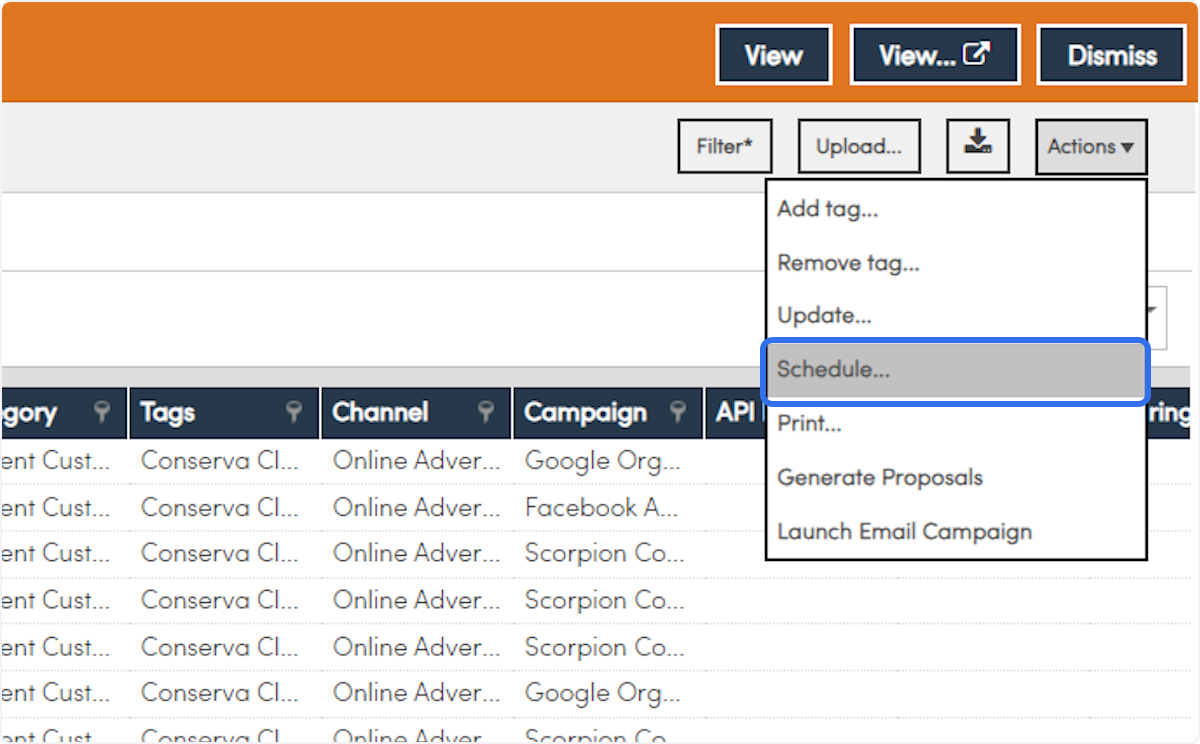
8. Click on Schedule...
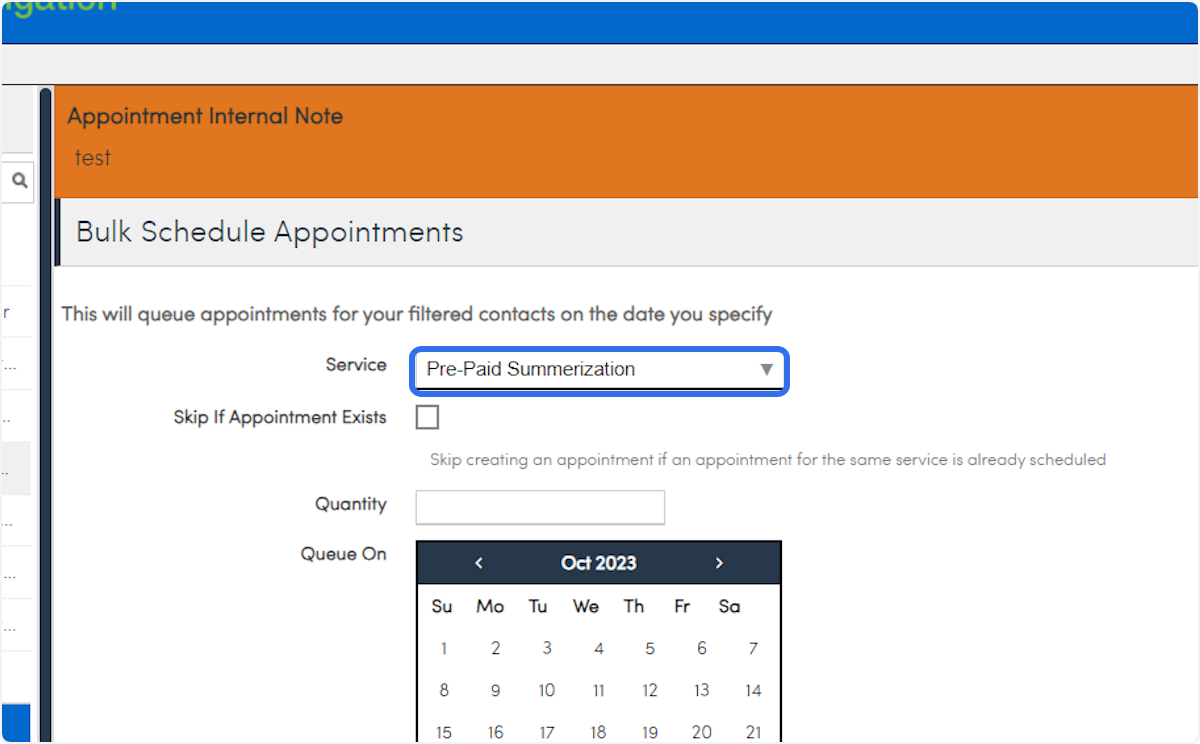
9. Select Pre-Paid Summerization
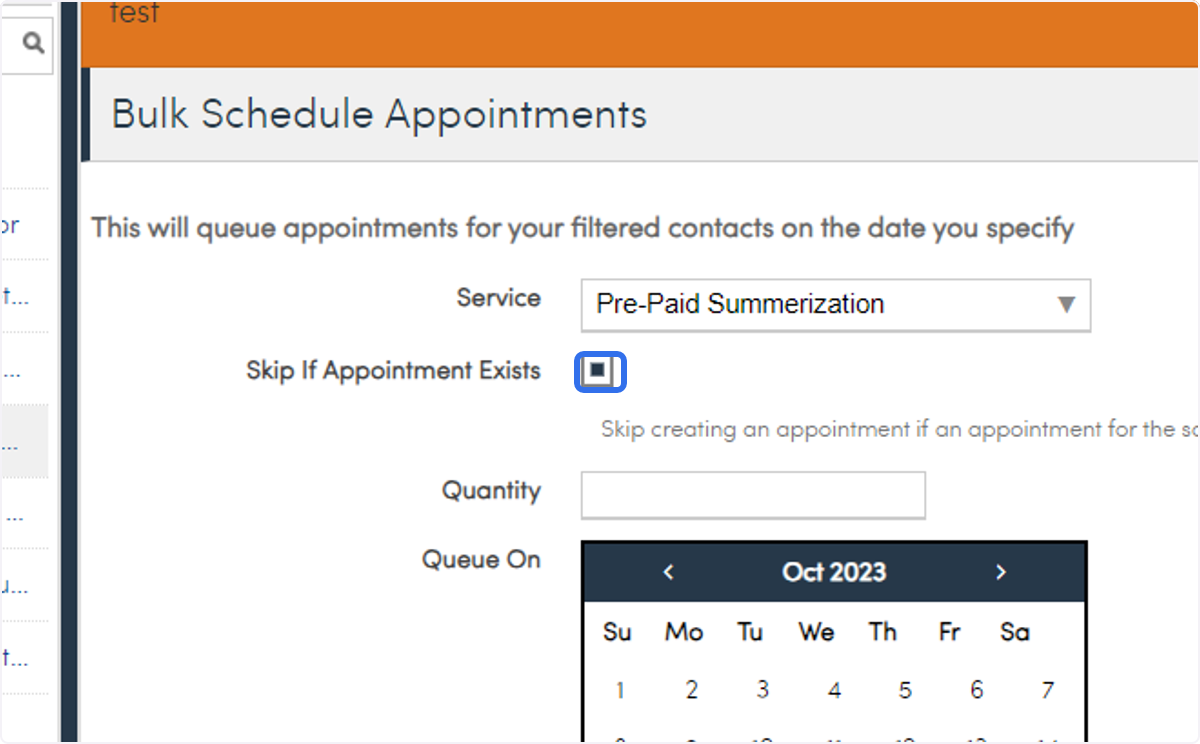
10. Check Skip if Appointment Exists
This will skip any customers on this list that you already have scheduled the same service for
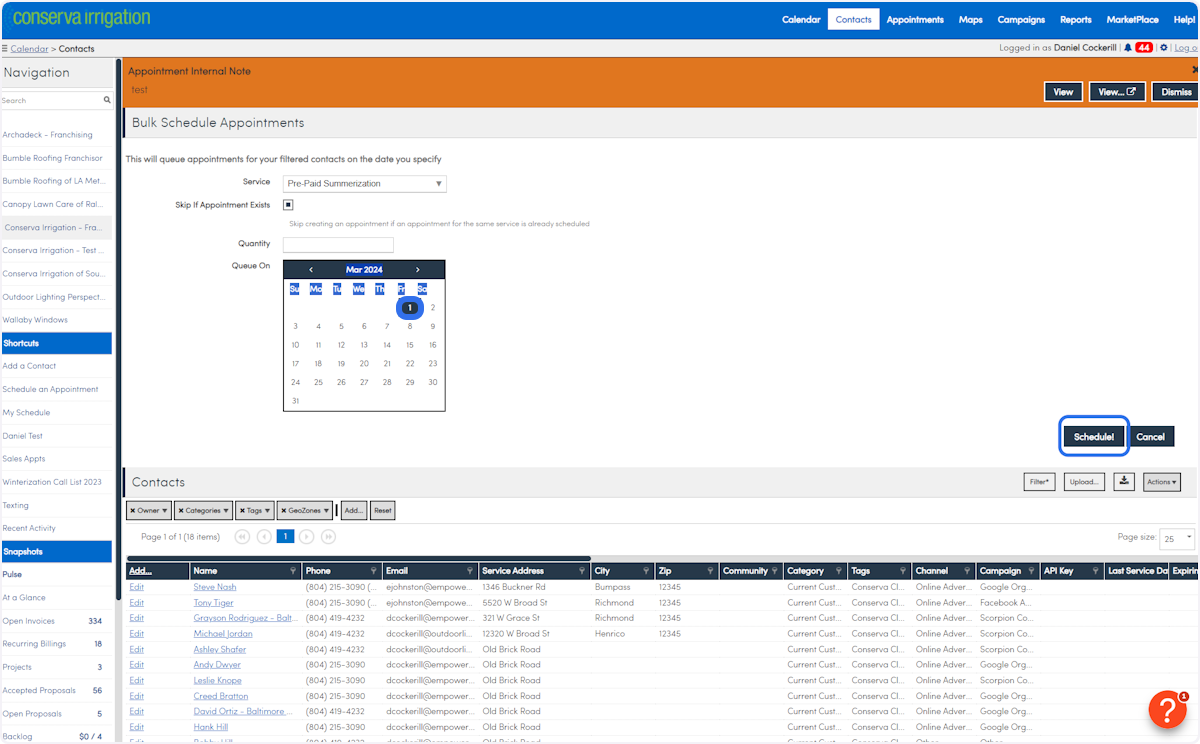
11. Select the date you want to Queue everything for and then click Schedule
Comments
0 comments
Please sign in to leave a comment.